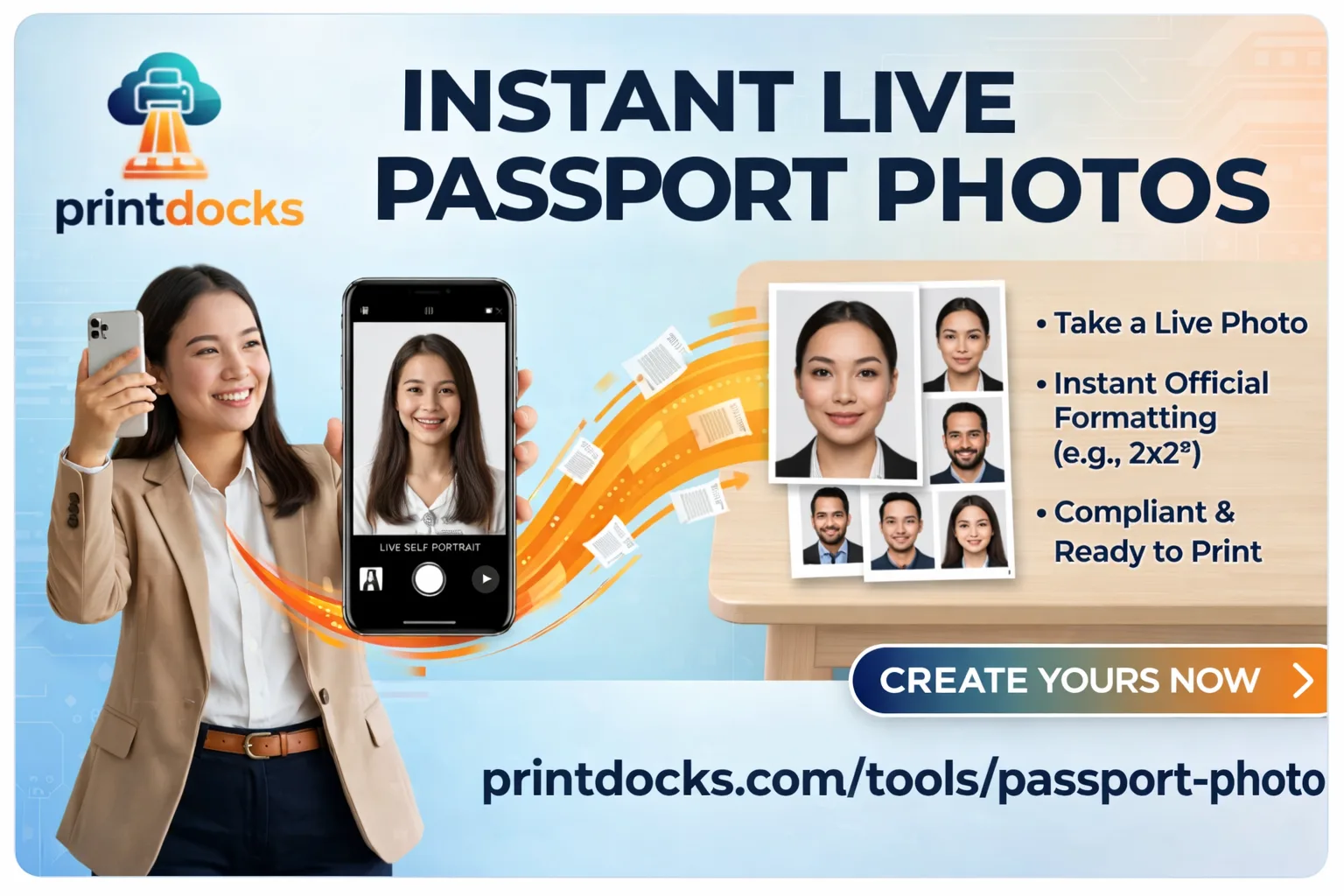
How to Make a Passport Size Photo Online for Free (No Upload, No Data Risk)
Getting a passport size photo used to mean visiting a studio, paying ₹100–₹200, and waiting. Today you can make a perfect passport size photo in under a minute — right from your phone or laptop, completely free.
PrintDocks' Passport Photo Maker does exactly that. And unlike most online tools, your photo never leaves your device.
What Makes PrintDocks Different
Most online photo tools upload your image to their servers to process it. That means your face, your ID photo, is sitting on someone else's computer.
PrintDocks works entirely in your browser. When you select your photo:
It is processed locally on your device
Nothing is uploaded to any server
No account or login required
No watermarks
Completely free
Your photo stays yours.
What the Tool Does Automatically
You don't need Photoshop or any editing skills. The tool handles everything:
Background removal — automatically detects and removes the background, replacing it with a clean white background as required by passport standards
Auto crop and resize — your face is detected and cropped to the exact required dimensions
Standard sizes supported — 35×45mm (India passport), 2×2 inch (US visa), 25×35mm and more
A6 print sheet — download a ready-to-print A6 sheet with multiple copies arranged, exactly what a print shop needs
Step-by-Step: Make Your Passport Photo in 3 Steps
Step 1 — Open the tool
Go to PrintDocks Passport Photo Maker. No sign up, no install.
Step 2 — Upload your photo
Select a clear front-facing photo from your phone or computer. Good lighting and a plain background helps, but even busy backgrounds work — the tool removes it automatically.
Step 3 — Download or Print
Once processed, you can:
Download the photo or the ready-to-print A6 sheet
Send directly to a nearby print shop via PrintDocks — no WhatsApp, no USB, no email setup needed
That's it.
Tips for the Best Result
Use a photo taken in natural light facing forward
Avoid heavy shadows on your face
Plain backgrounds give cleaner results but aren't required
Wear what you'd wear for the official document — no caps, no heavy filters
Which Passport Photo Size Do I Need?
DocumentSizeIndia Passport35 × 45 mmUS Passport / Visa2 × 2 inch (51 × 51 mm)UK Passport35 × 45 mmSchengen Visa35 × 45 mmIndian Visa2 × 2 inch
PrintDocks supports all standard sizes. Select your size before downloading.
Why Not Just Go to a Photo Studio?
You can — but consider:
Studios charge ₹100–₹300 per sitting
You have to travel there
If the photo gets rejected, you go again
With PrintDocks, retakes are free and instant
For visa applications, job forms, government IDs, and school admissions — wherever a passport size photo is needed — you can now do it yourself in minutes.
Your Photo Never Touches Our Servers
This is worth repeating. Many "free" tools process your image on their cloud servers. PrintDocks uses browser-based processing — everything runs locally using your device's own computing power.
✅ No server uploads
✅ No data stored
✅ No account needed
✅ Works offline after page loads
✅ GDPR and privacy friendly
Try It Now
👉 Make your passport photo free at PrintDocks
Takes under a minute. No signup. Nothing uploaded. Print it at home or send it to a nearby shop directly from the site.