How to Rearrange, Merge and Delete PDF Pages Online Free (No Upload Needed)
Ever needed to move a page to the front of a PDF? Remove a blank page? Combine two PDFs in a specific order? Normally that means expensive software like Adobe Acrobat or sketchy online tools that upload your files to unknown servers.
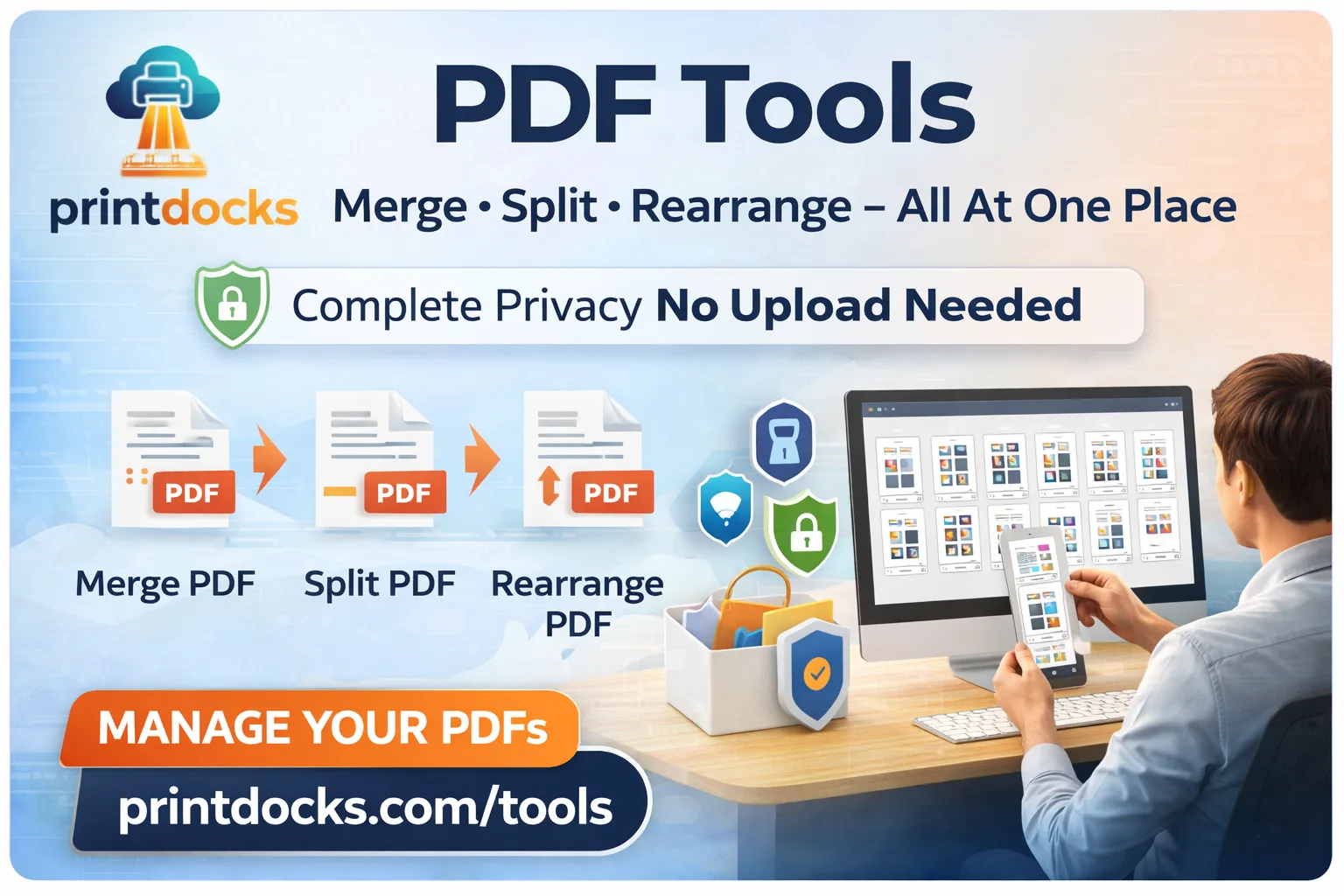
PrintDocks Smart Arrange does all of this — drag, drop, delete, merge — directly in your browser. Free, instant, and your files never leave your device.
What Is Smart Arrange?
Smart Arrange is a visual PDF page organizer. You upload one or more PDF files or images, see every page as a thumbnail, and then:
Drag and drop to reorder pages in any sequence
Delete pages you don't need
Combine multiple PDFs and images into one single document
Download the final result or send it to a nearby print shop
No guessing. No typing page numbers. Just drag what you want where you want it.
Why Smart Arrange Is Better Than Other Tools
Most PDF rearrange tools online either watermark your output, limit you to a few pages on the free plan, or upload your files to their cloud.
Smart Arrange does none of that:
✅ Completely free — no page limits, no watermarks, no subscription
✅ No uploads — everything runs locally in your browser
✅ No account needed — open and use instantly
✅ Combine PDFs and images together — mix file types in one document
✅ Original quality maintained — no compression, no resolution loss
✅ Fast — processes files in seconds regardless of size
Your Files Never Leave Your Device
This is worth understanding. When you use most online PDF tools, your file travels to their server, gets processed, and comes back. Your document sits on their infrastructure — even if temporarily.
Smart Arrange processes everything using your own device's computing power. Nothing is transmitted anywhere. This is critical for:
Legal documents and contracts
Medical records and reports
Confidential business files
University assignments and research papers
Personal identity documents
Upload, arrange, download. Zero data exposure.
How to Rearrange PDF Pages — Step by Step
Step 1 — Open Smart Arrange
Go to PrintDocks Smart Arrange. No login, no install, works on phone and desktop.
Step 2 — Upload your files
Click Choose Files or drag and drop. You can upload:
One or multiple PDF files
Images (JPG, PNG)
A mix of both — they all become pages in one document
Every page appears as a visual thumbnail.
Step 3 — Arrange your pages
Drag and drop thumbnails to reorder
Click delete on any page you want to remove
Add more files at any point to merge them in
Step 4 — Download or Print
Once your arrangement is perfect:
Download the final PDF to your device
Send directly to a nearby print shop via PrintDocks — no WhatsApp, no USB, no email
Common Use Cases
Fixing a scanned document
Scanned pages often come out in the wrong order or with blank pages in between. Upload, drag to correct order, delete the blanks, download.
Merging multiple PDFs into one
Have chapters saved as separate files? Upload all of them and arrange into one final document.
Combining images and PDFs
Got a mix of JPG scans and PDF pages? Smart Arrange handles both together in one merge.
Removing sensitive pages before sharing
Need to share a report but strip out confidential pages? Delete them visually, download the clean version.
Reordering presentation slides
Export your slides as PDF and reorder for different audiences without touching the original file.
Preparing documents for printing
Arrange pages exactly as you want them printed, then send directly to a nearby shop.
Frequently Asked Questions
Can I merge more than two PDFs? Yes. There's no limit on how many files you can add. Upload as many as you need and arrange all their pages together.
Does it work on mobile? Yes. Smart Arrange works on any modern browser — phone, tablet, or desktop.
Will the quality of my PDF change? No. Smart Arrange maintains the original resolution and layout of every page. Nothing is compressed or altered.
Can I add images into a PDF? Yes. Upload JPG or PNG files alongside your PDFs and they'll be converted to pages within the final document.
Is there a page limit? No. Since processing happens locally on your device, there's no server-side restriction on page count.
Is it really free? Yes, completely. No trial, no credit card, no hidden limit.
Edit Here. Print Nearby.
What makes PrintDocks different from every other PDF tool is what happens after you arrange your document.
Every other tool gives you a download button. PrintDocks gives you two options — download or send directly to a print shop near you. No WhatsApp message to the shopkeeper. No USB drive. No email with attachments. Just select your shop, send, walk in, collect.
Try Smart Arrange Now
👉 Rearrange your PDF pages free at PrintDocks
Drag, drop, delete, merge — done in seconds. Download the result or print it at a nearby shop instantly.