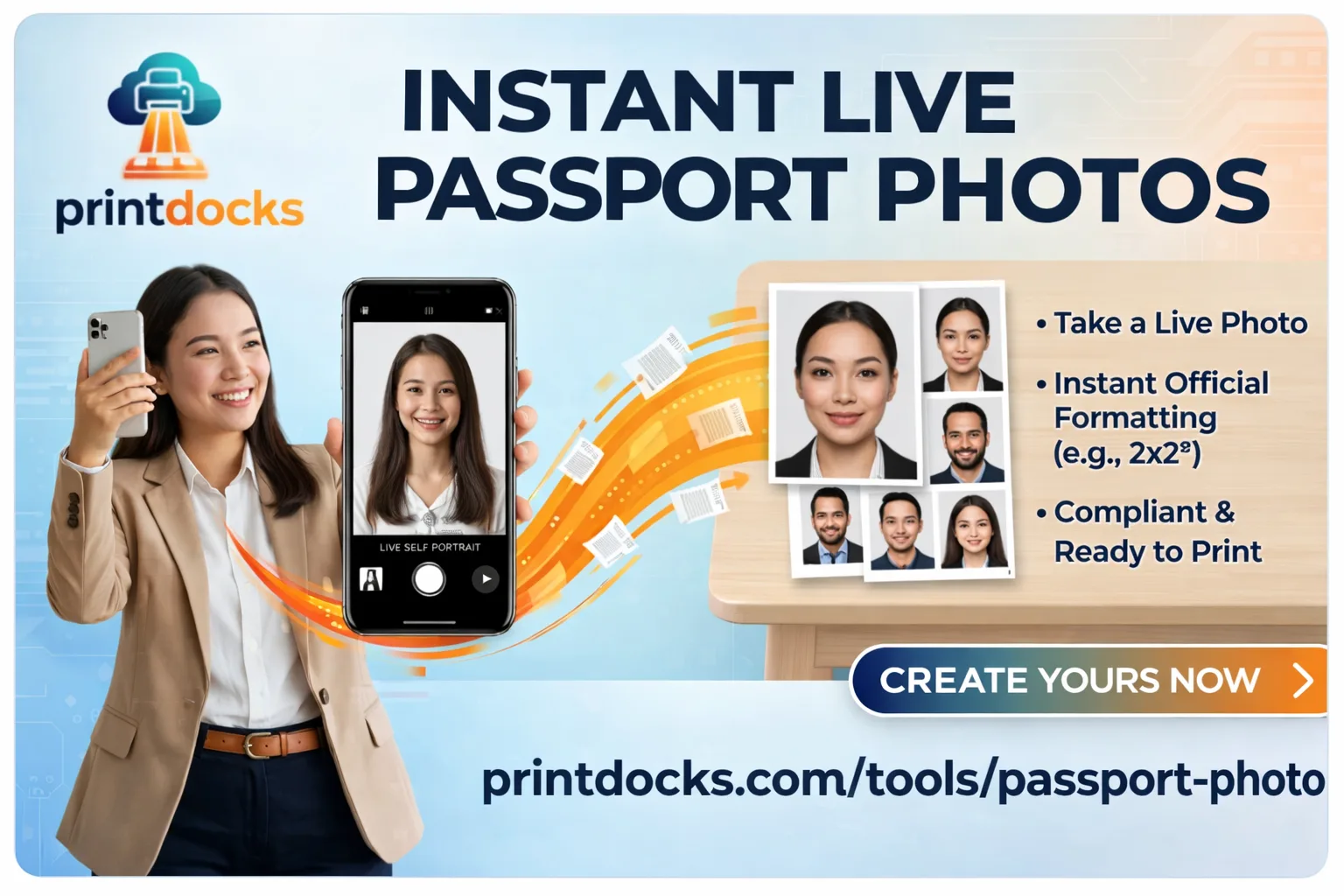
How to Take a Passport Photo with Your Phone Camera Online Free
No studio. No appointment. No paying ₹200 for a strip of photos you'll mostly throw away.
PrintDocks now lets you take a passport size photo live from your phone camera — background removed automatically, cropped to exact passport dimensions, ready to download or print in under a minute. Completely free.
What's New — Live Camera Feature
Previously you could upload an existing photo and convert it to passport size. Now you can go one step further — open the tool, point your camera, click, and you're done.
Everything happens in the same place:
Live camera capture — take the photo directly in the tool
Automatic background removal — no manual selection, no Photoshop
Auto crop to passport dimensions — face detected and positioned correctly
Download or print — save to device or send to a nearby print shop
No app download. Works directly in your mobile browser.
Why This Beats Going to a Photo Studio
Photo StudioPrintDocksCost₹100–₹300FreeTravel requiredYesNoWait time10–30 minsUnder 1 minuteRetakesPay againUnlimited free retakesAvailable 24/7NoYesPrivacyPhotos stored at studioNothing stored anywhere
Your Photo Never Leaves Your Device
This is important. When you take a photo using PrintDocks:
The camera feed is processed locally in your browser
No image is uploaded to any server
No photo is stored or logged anywhere
No account or login required
Your face, your ID document photo — stays on your device only. Always.
How to Take a Passport Photo from Your Phone — Step by Step
Step 1 — Open the tool on your phone
Go to PrintDocks Passport Photo Maker in your mobile browser. Chrome or Safari both work.
Step 2 — Allow camera access
Tap "Take Photo" and allow camera permission when prompted. This permission is used only within your browser — nothing is recorded or stored.
Step 3 — Position your face
Align your face within the on-screen guide. For best results:
Face forward, eyes open
Good natural lighting — near a window works well
Plain wall behind you if possible (but not required — background is removed automatically)
No cap, no heavy filters, no sunglasses
Step 4 — Capture
Tap the capture button. The tool instantly:
Removes the background and replaces it with clean white
Detects and crops your face to the exact required dimensions
Prepares the output for your selected document type
Step 5 — Download or Print
Download the photo or a ready-to-print A6 sheet with multiple copies
Send directly to a nearby print shop via PrintDocks — no WhatsApp, no USB, no email needed
Supported Passport Photo Sizes
DocumentSizeIndia Passport35 × 45 mmUS Passport / Visa2 × 2 inch (51 × 51 mm)UK Passport35 × 45 mmSchengen Visa35 × 45 mmPan Card / Aadhaar35 × 35 mmIndian Visa2 × 2 inch
Select your size before downloading. The tool crops precisely to the chosen dimensions.
Tips for the Best Passport Photo Result
Lighting — Natural light is best. Face a window. Avoid harsh overhead lighting which creates shadows under your eyes and chin.
Background — A plain wall works great but isn't mandatory. The background remover handles busy backgrounds too — plain just gives cleaner edges.
Expression — Neutral expression, mouth closed, eyes fully open and looking directly at the camera.
Distance — Hold your phone at arm's length or prop it up. Don't hold it too close — your full face and top of shoulders should be visible.
Retakes are free — If the first shot isn't perfect, take another. No cost, no limit.
Works for More Than Just Passports
Any document that needs a formal photo:
Passport and visa applications
Pan Card, Aadhaar, Voter ID
Driving licence
Job applications and government forms
Student ID and college admissions
Employee ID cards
Frequently Asked Questions
Does it work on iPhone? Yes. Open Safari on iPhone, go to the tool, allow camera access when prompted.
Does it work on Android? Yes. Works on Chrome and other modern Android browsers.
What if the background removal isn't perfect? Retake with better lighting or a more contrasting background. The tool improves significantly with even lighting and a plain wall behind you.
Can I still upload an existing photo instead of taking one? Yes. Both options are available — take a live photo or upload an existing one. Use whichever works for you.
Is camera permission stored? No. Camera access is browser-level only and used purely within the session. Nothing is recorded, transmitted, or stored.
Is it really free? Yes. No account, no subscription, no watermark, no limit on retakes.
Try It Now — From Your Phone
👉 Take your passport photo free at PrintDocks
Open on your phone, tap Take Photo, done in under a minute. Download the result or send it to a print shop near you instantly.